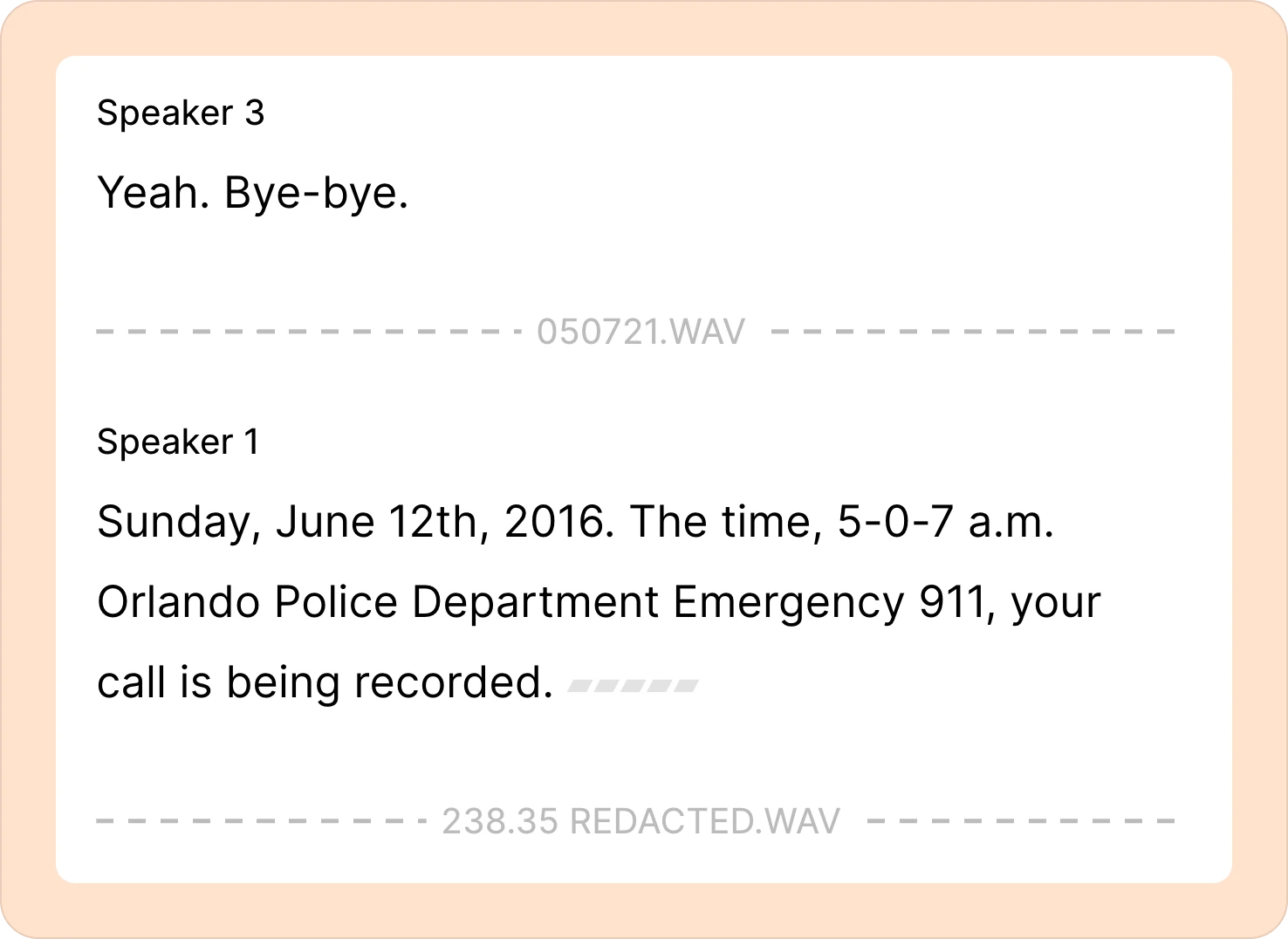
Can I combine multiple files into one recording?
To combine multiple files into one Reduct recording,
-
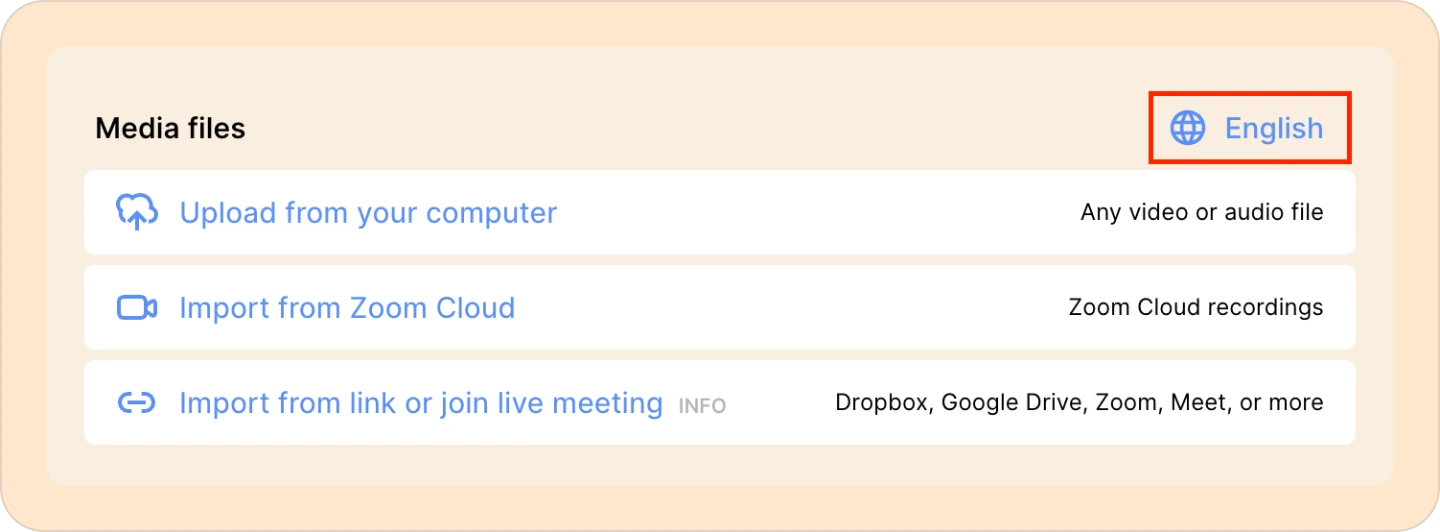
First, you’ll need to select the language of your video. Click on English and set the language spoken in the recording.
-
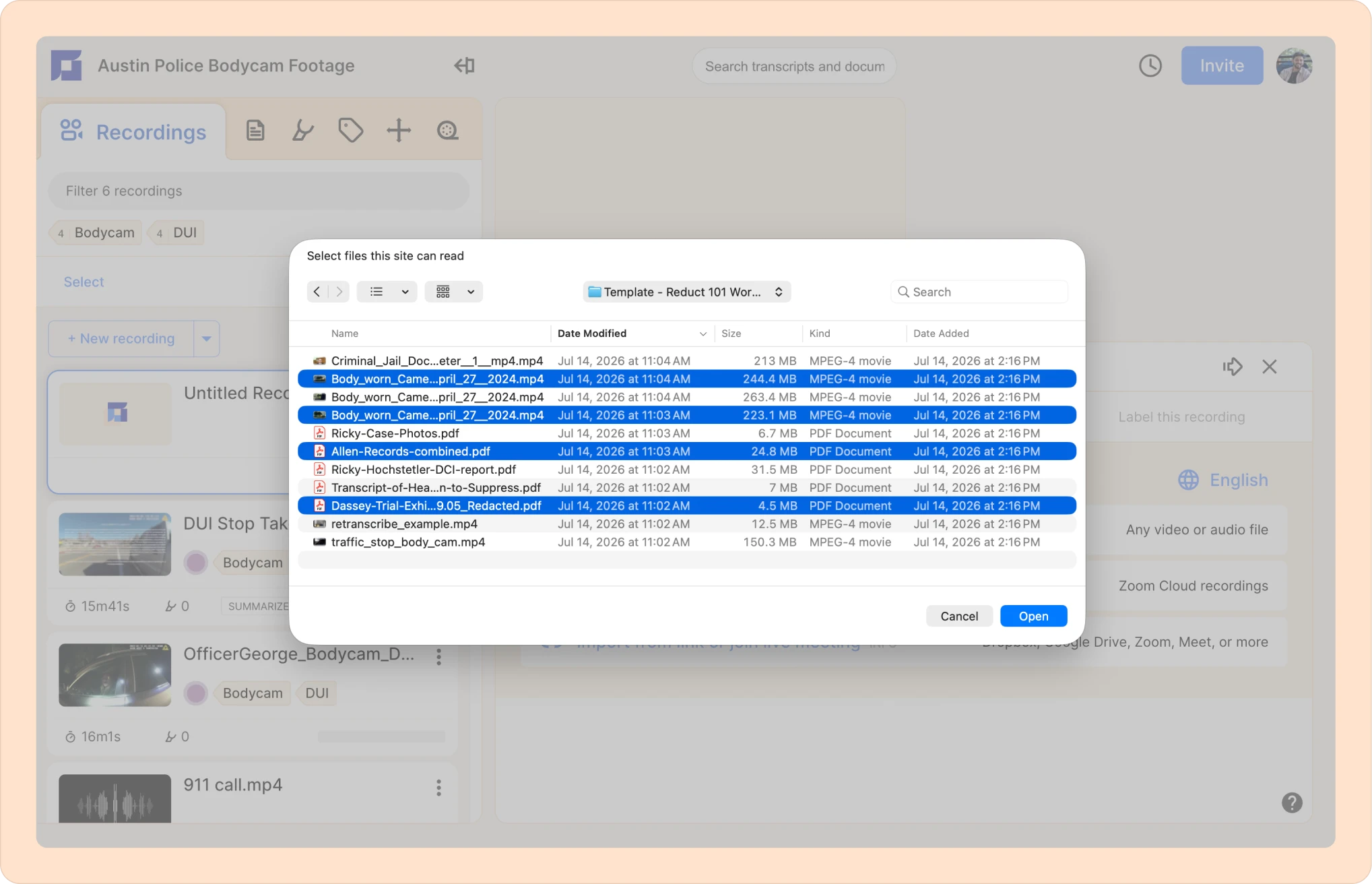
Next, from your computer, select the audio/video files that you want to upload to Reduct.
-
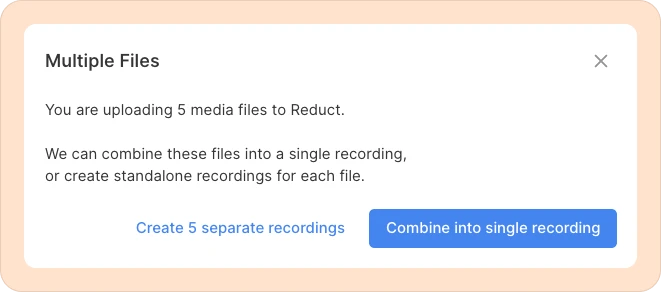
You will then see a pop-up window with two options to choose from:
-
Create separate recordings — each file becomes an individual recording.
-
Combine into a single recording — merge all the audio/video files into a single recording.
-
-
Click on Combine into single recording button.
Now if you look at the transcript, you’ll see a horizontal dotted line along with the video title that represents the start of a new file within the recording.