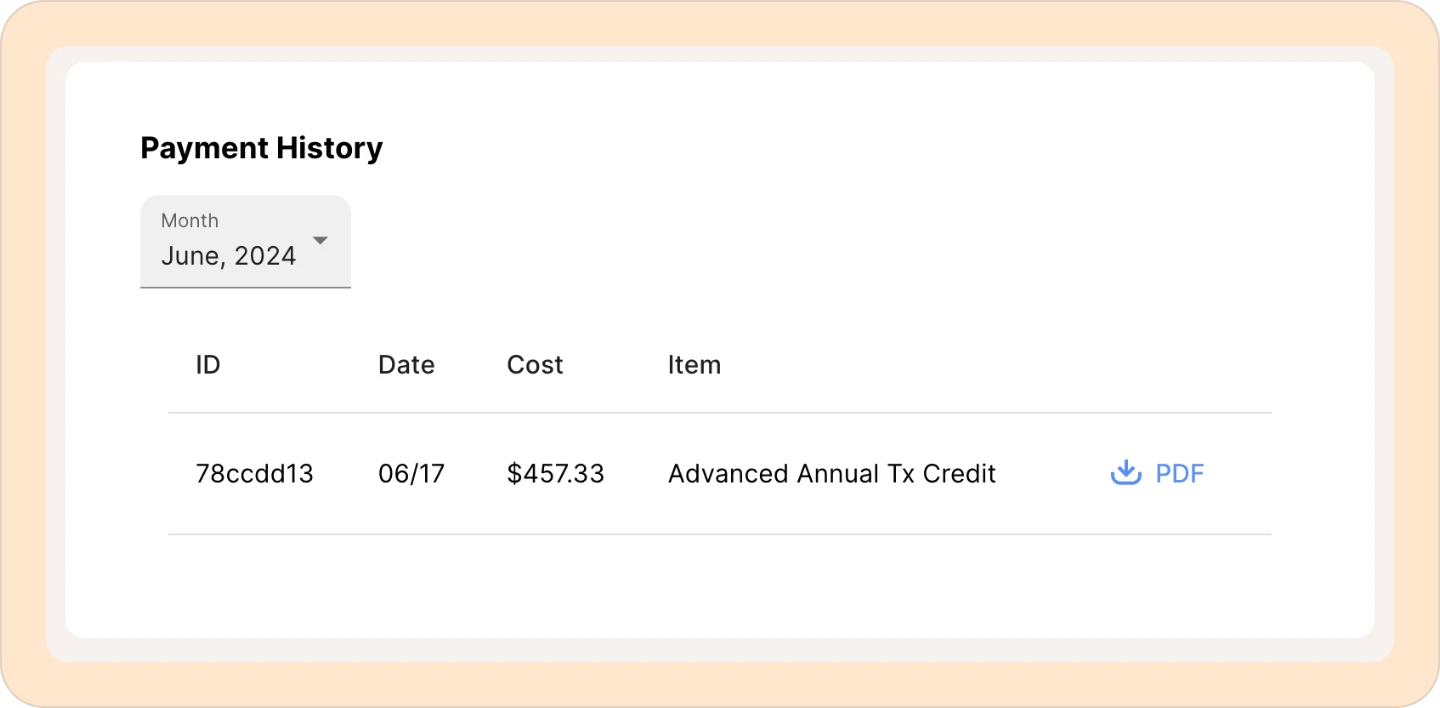
Downloading an invoice in Reduct
To download an invoice in Reduct:
-
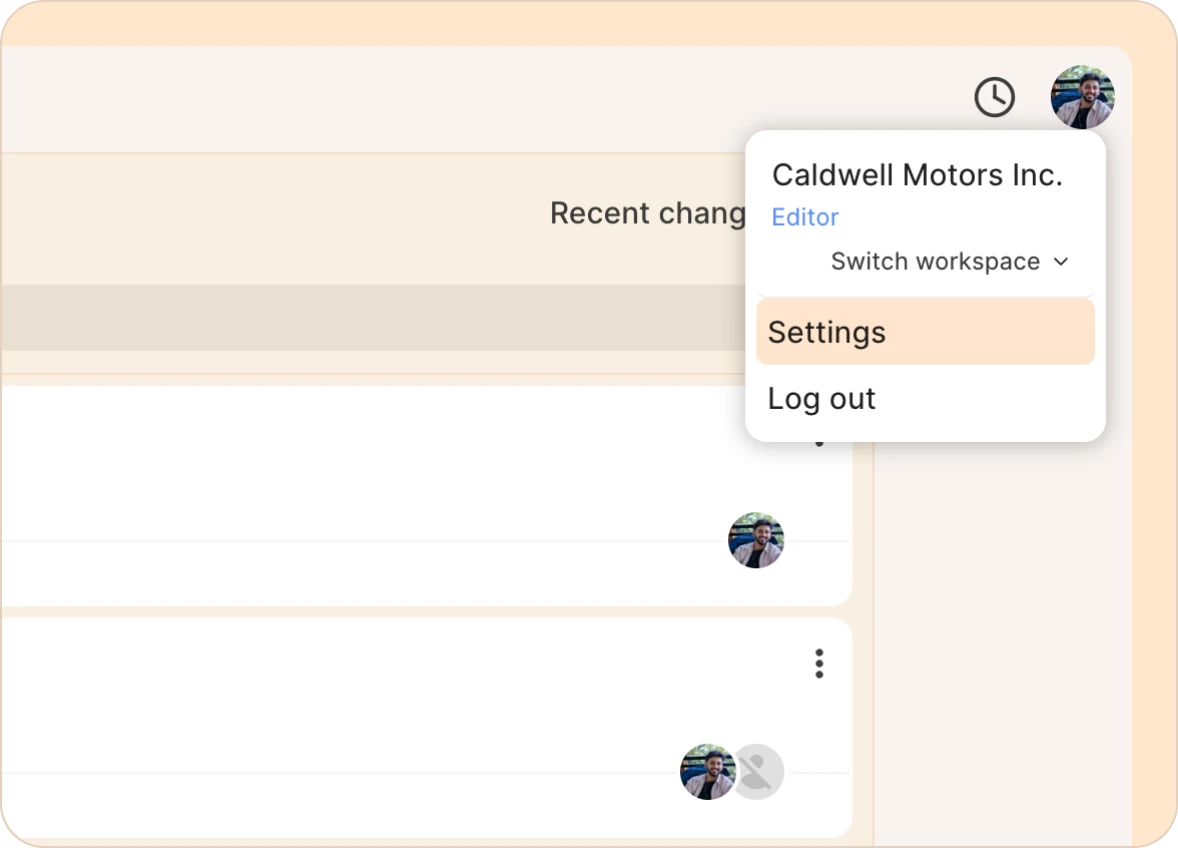
Click your profile picture in the top right and go to Settings.
-
In the left sidebar, click Payments.

Note:
Only the Billing Managers can access invoices and payment history. If you don't see the Payments tab, you're not set up as a billing manager. Read this article for more information ->
-
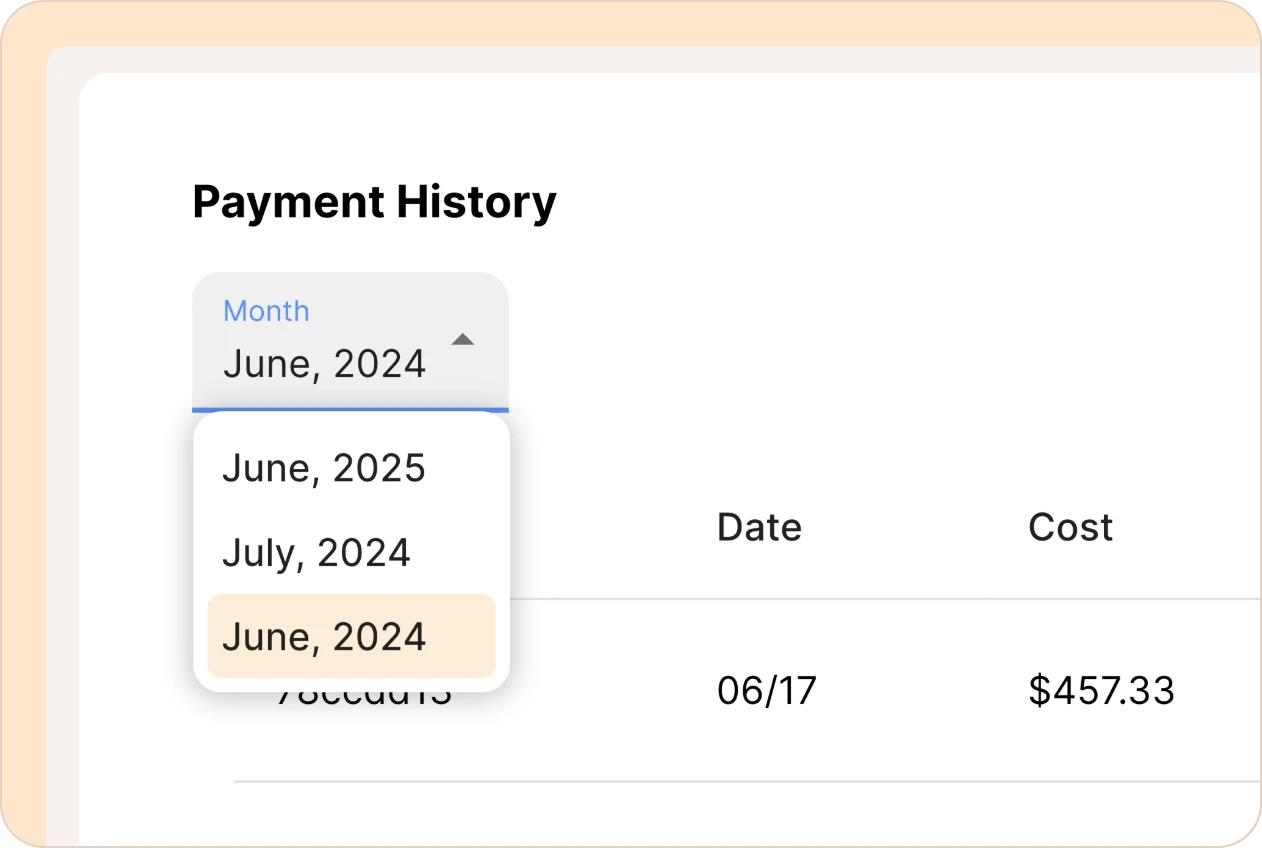
Under Payment History, use the month dropdown to pick the billing period you want.
-
Find the payment in the list and click PDF to download.